Reliable Wi-Fi in a large LA home comes from wired access points, not more mesh pucks. Each access point gets its own network cable back to a central rack, so every room (and the pool house) gets full speed instead of a signal relayed through three walls. LA Techs plans and installs these networks on Ruckus and Ubiquiti, and the best time to plan one is before the drywall goes up.
We've written before about why the network matters. This one's the practical side: where things go and what to ask for.
Why consumer mesh struggles in big homes
Mesh systems pass the signal from unit to unit through the air. Every hop costs speed, and in a 7,000 square foot house with plaster, steel and concrete in the way, you can lose most of your bandwidth before it reaches the primary suite.
Mesh also gets overwhelmed by device count. A modern home can run dozens of connected things (keypads, shades, cameras, TVs, speakers, phones, the fridge), and consumer gear wasn't built to juggle that many.
Where access points actually go
Think ceilings, centered in the spaces people use, roughly one per major zone. A typical plan includes:
- One per floor in main living areas, plus one in the kitchen (it's where everyone stands)
- The primary suite and any office get their own
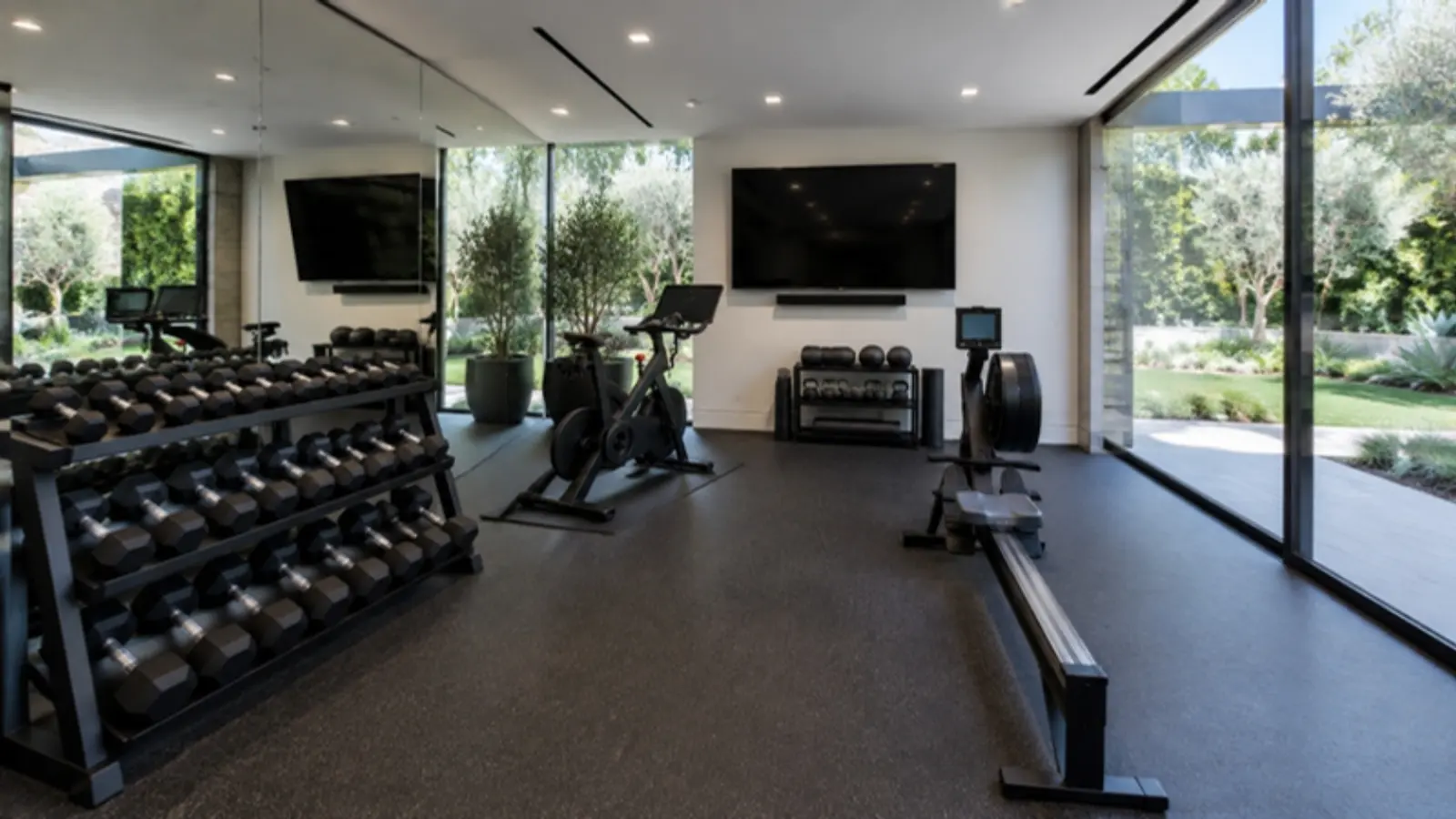
- Media rooms, gyms and garages each get one if they're used daily
- Outdoor-rated units under eaves facing the yard, pool and motor court
- One in the pool house, guest house or ADU, fed by a cable from the main rack
We mount them flat on the ceiling in white, so they look like a smoke detector and disappear. The worst spot is inside a closet or a cabinet, which is where builders put them when nobody planned ahead.
The rack: one home for the network
Every cable runs back to one place: a ventilated rack in a closet, garage or equipment room. That's where the firewall, switches and the control system live, along with a battery backup so a brief power blip doesn't drop the whole house.
Give it real ventilation and a dedicated circuit. A rack stuffed into a hot closet is the most common reason we get called to fix a "bad Wi-Fi" house.
Pool house, ADU and the far side of the yard
This is where LA homes get tricky. The guest house, the gym out back, or the ADU over the garage is usually too far for Wi-Fi to reach from inside.
The fix is a buried conduit with network cable (or fiber, for long runs) from the main rack to the outbuilding, and a small switch out there. Get that conduit in the trench while the landscaping is open. Adding it later means digging up the hardscape.
Guest network and keeping things separate
Guests get their own network with a simple password, and it can't see your cameras or control system. We also split the smart home devices onto their own segment, so a cheap gadget can't become a back door.
None of this needs to be complicated for you. You get one password for the family and one for guests, and we manage the rest remotely through a support plan.
Ruckus or Ubiquiti?
Both are solid, commercial-grade platforms. Ruckus is our pick for the biggest homes and the toughest RF environments. Ubiquiti is a great value for mid-size homes and outbuildings. We'll tell you which fits after we see the plans.
What to pre-wire (if you're building)
Ask your integrator for a network drop at every planned access point, every TV, every office desk and every camera location. Add conduit to outbuildings and the gate. It's cheap during framing and it's the difference between a network that works and one you complain about for years. Our new construction process puts all of it on the drawings.
Quick answers
Q: Is mesh Wi-Fi good enough for a large Los Angeles home? A: Usually not. In big homes with dense walls and lots of devices, wired access points connected to a central rack are far more reliable.
Q: How many Wi-Fi access points does a large home need? A: Roughly one per major zone: main living areas, kitchen, primary suite, office, media room, plus outdoor units and one per outbuilding. We size it from the floor plan.
Q: How do you get Wi-Fi to a pool house or ADU? A: Run network cable or fiber in buried conduit from the main rack to a small switch and access point in the outbuilding. Plan it while trenching is open.
Q: Who installs Ruckus and Ubiquiti networks in Los Angeles? A: LA Techs designs and installs Ruckus and Ubiquiti home networks across LA, usually as part of a whole-home system.
Building or remodeling? Send us the plans or call 213.354.8324 and we'll mark where every access point goes.