Rooms · Multi-Purpose Media Room
The Room That Does Everything
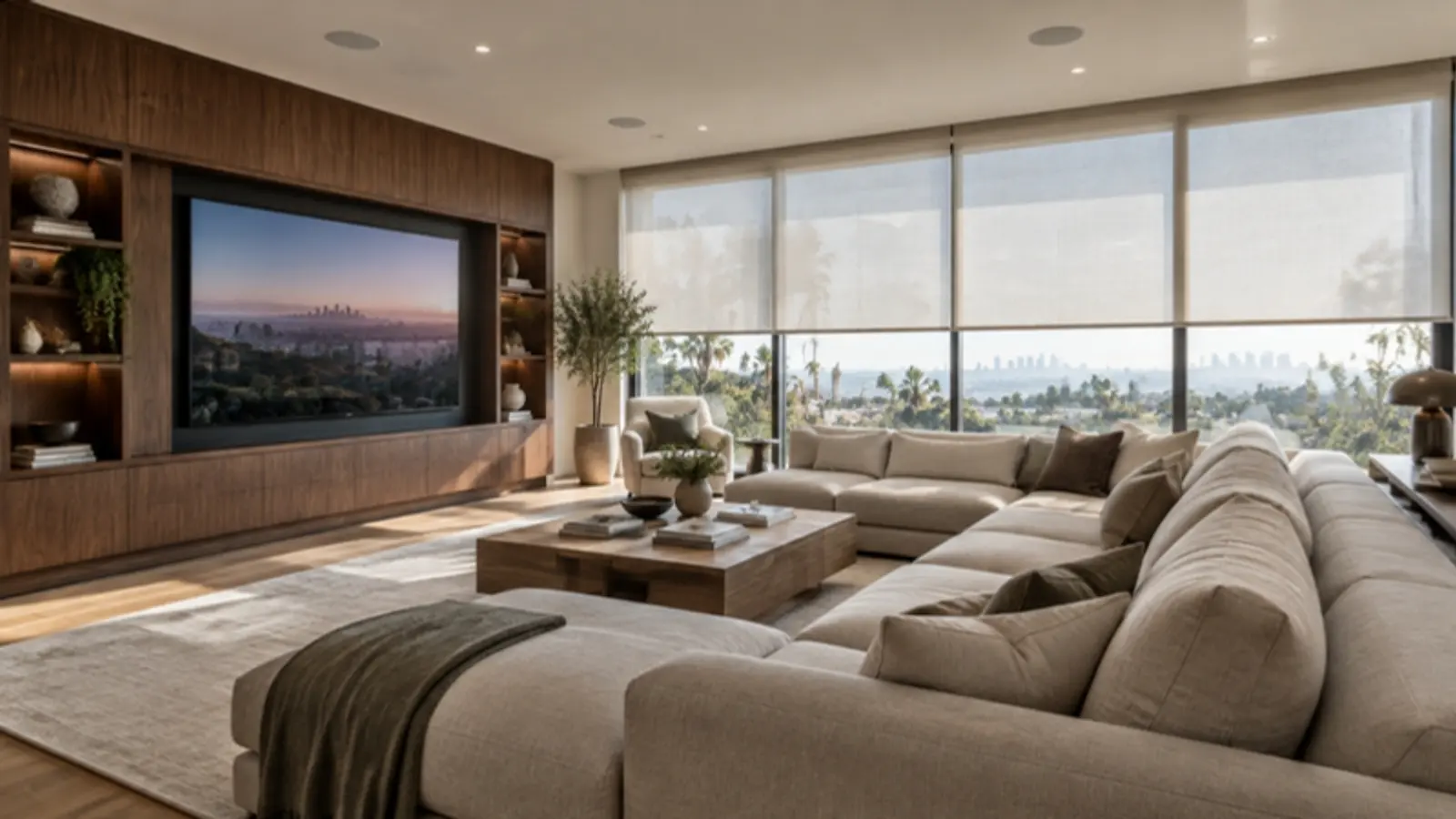
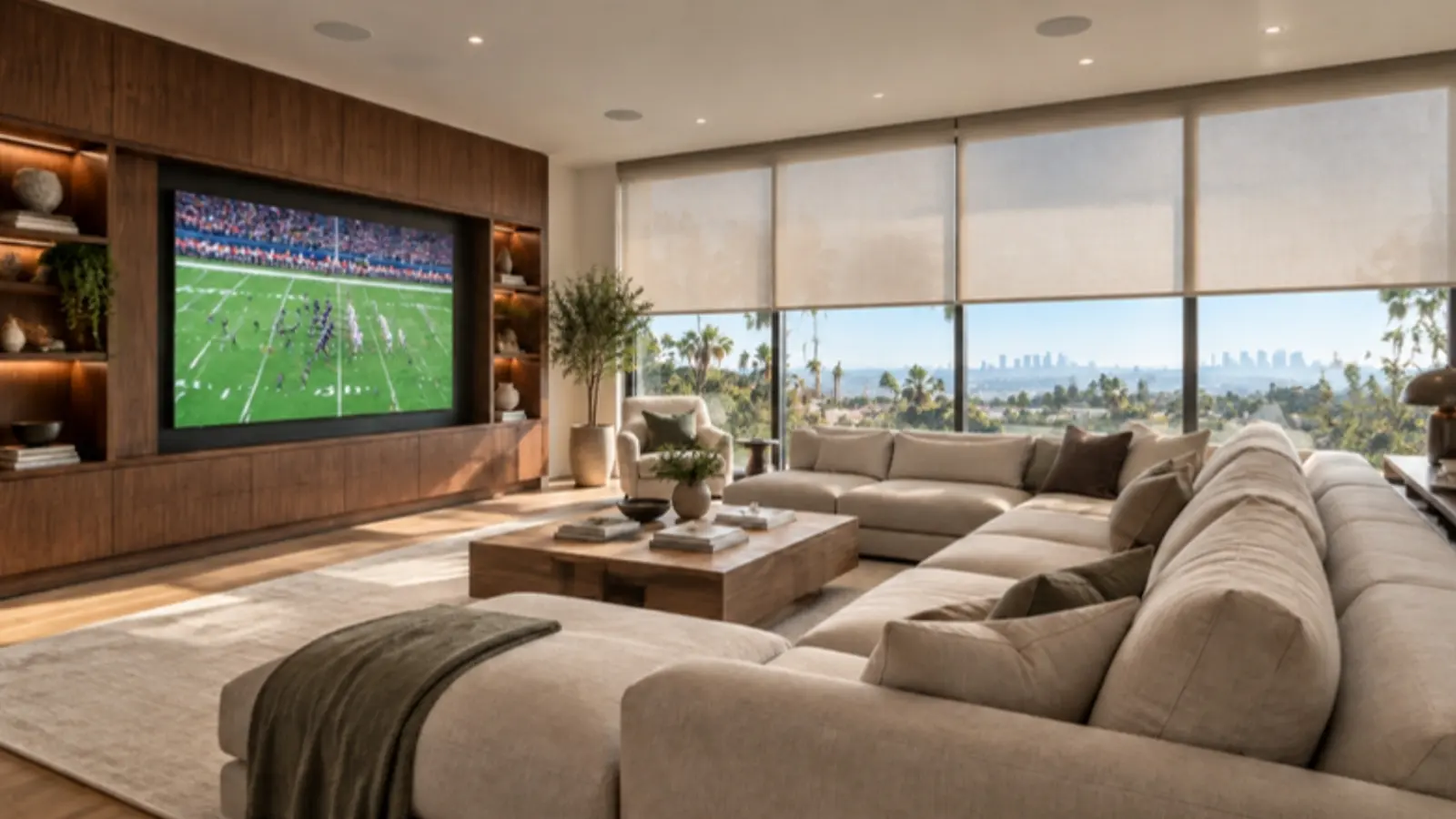
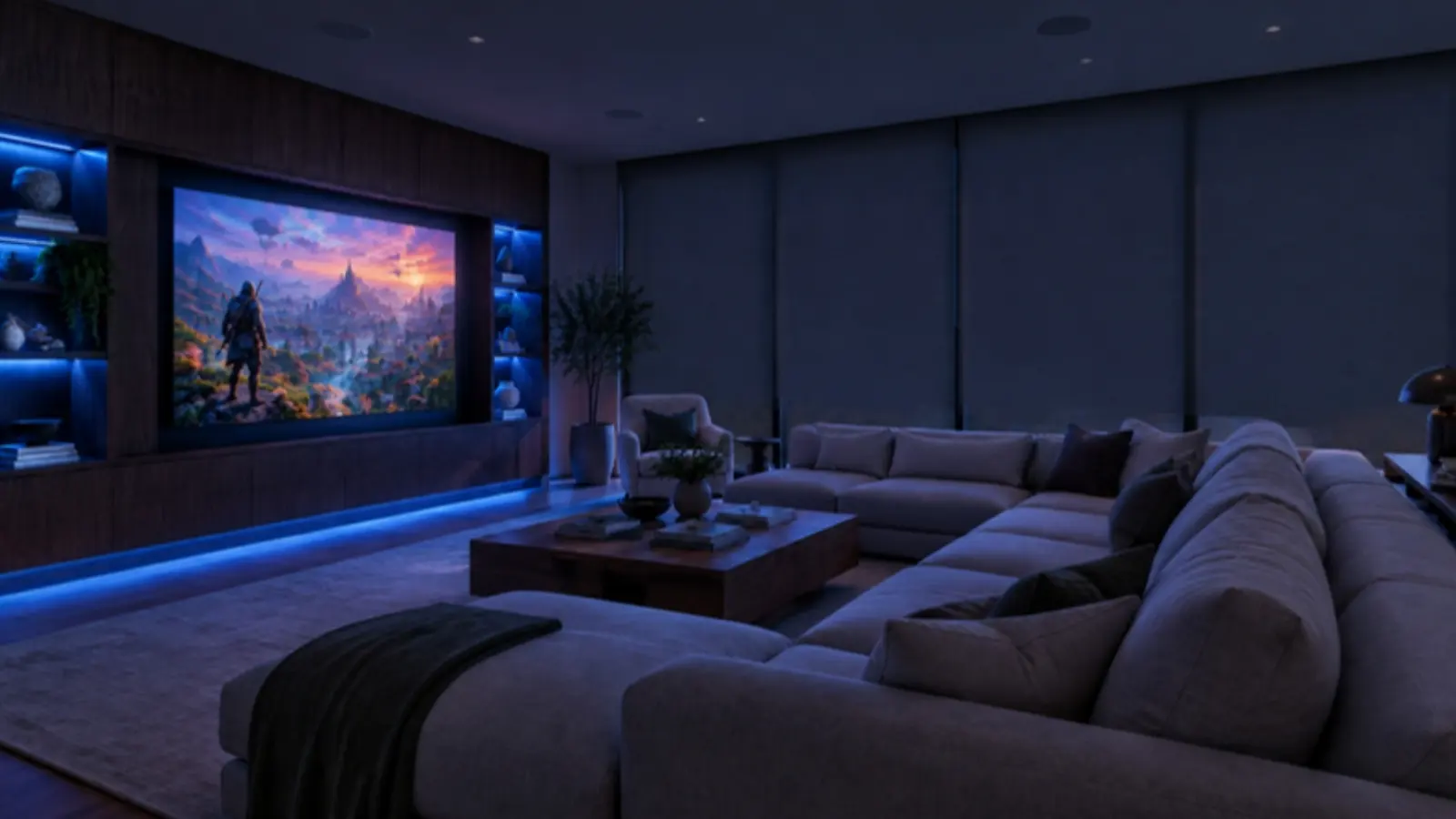
Movie night, the game on Sunday, the kids' video games, a quiet afternoon with music. A multi-purpose room has to switch jobs in a second, and it should never take three remotes to do it.
Tap a scene to see what the room does.
Scene
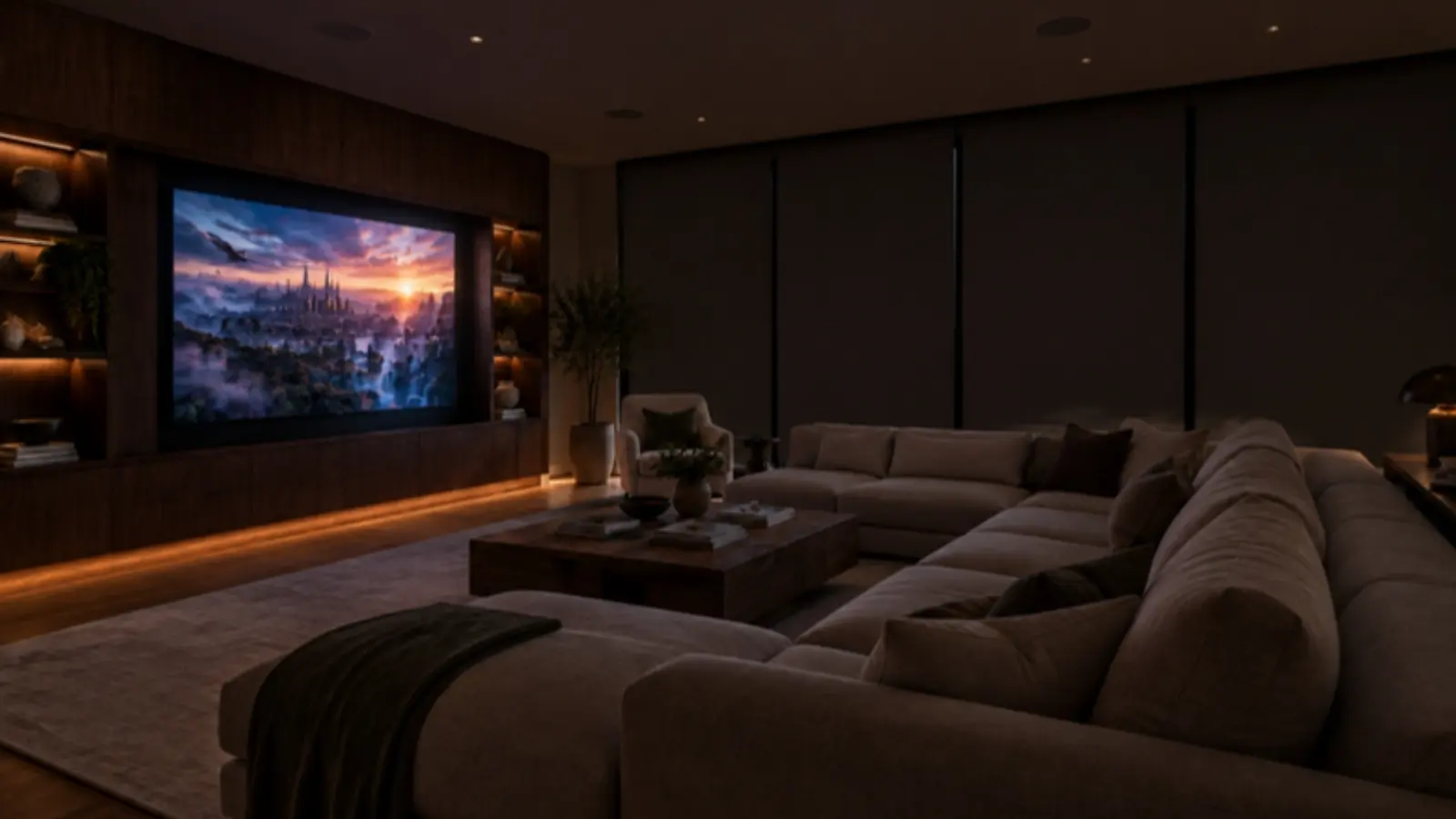
Movie night
Press one button. The room gets dark, the shades close, and the movie is already queued.
- Lighting: Dims to a low glow along the floor so nobody trips on the way to the kitchen.
- Shades: Close completely, so even a matinee looks right.
- Screen and audio: Turn on, switch to the movie server, and set surround sound.
- Climate: Holds the room steady, because a full room warms up fast.
What Goes In the Room
The media room, system by system
One-touch control
Control4 or Savant runs the screen, sound, lights, shades and climate from a keypad, a remote or your phone.
Screen
A large TV or a projector and screen, sized to the room and the seating distance.
Surround sound
In-wall and in-ceiling speakers that disappear into the room, with a subwoofer placed for the space.
Lighting
Lutron dimming and scenes, so each activity has its own light at a touch.
Motorized shades
From full daylight to blackout, quietly, on the same button as everything else.
Wired network
Streaming boxes, game consoles and the movie server on wired connections, not Wi-Fi.
For Architects and Builders
Plan it before framing
Most of what makes this room work is decided on paper: where the speakers go, where the wires run, how the light and air are zoned. We review the plans with your architect and builder and mark up what the room needs.
Pre-wire checklist
- Seating layout and screen size decided together (they set each other)
- Speaker locations in the ceiling and walls before drywall
- A cabinet or closet for the equipment, with ventilation
- Conduit from the equipment to the screen wall
- Shade pockets or blackout channels at every window
- Network drops at the screen wall and the equipment location
- Lighting zones for the screen wall, the seating and the walkway
Media room questions
What is a multi-purpose media room?
+
A family or media room designed to switch between movies, sports, video games and music at the push of a button. The screen, sound, lighting, shades and climate all work together, so the room changes jobs without anyone hunting for remotes.
TV or projector for a media room?
+
In a bright room that's used all day, a large TV usually wins. In a room you can darken, a projector and screen gives you a much bigger picture. We look at the windows, the seating distance and how you'll use the room before recommending either.
How is a media room different from a home theater?
+
A home theater is a dedicated, light-controlled room built for movies. A media room is an everyday room that also does movies well. It has to look good with the lights on and work for everyone in the family.
When should a media room be planned?
+
During design. Speaker locations, conduit, the equipment closet, shade pockets and lighting zones are easy to draw in and expensive to add after drywall.
More rooms we design
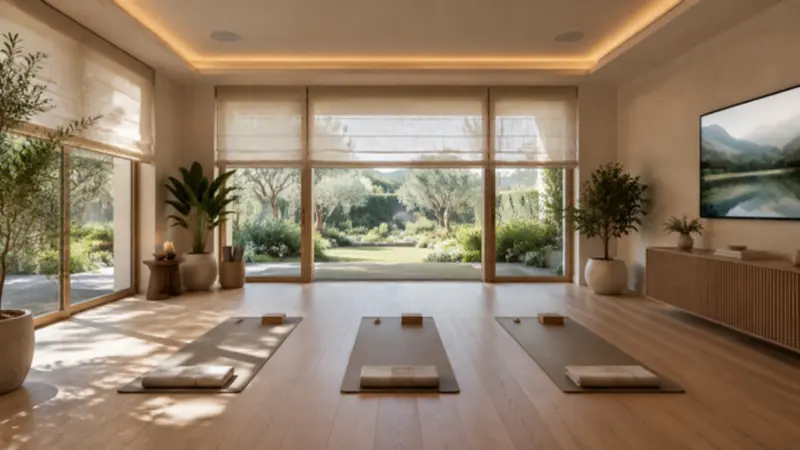
Yoga room
Morning flow, a class on screen, and meditation, one touch each.
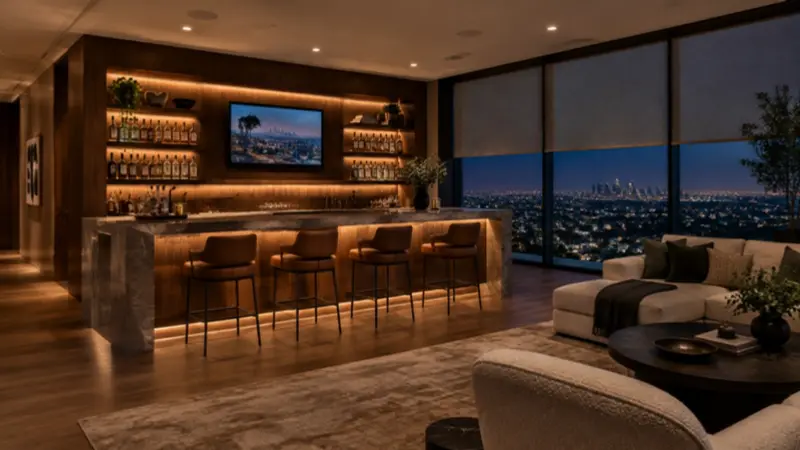
Bar and lounge
Cocktail hour, game on, and last call, set with one touch.
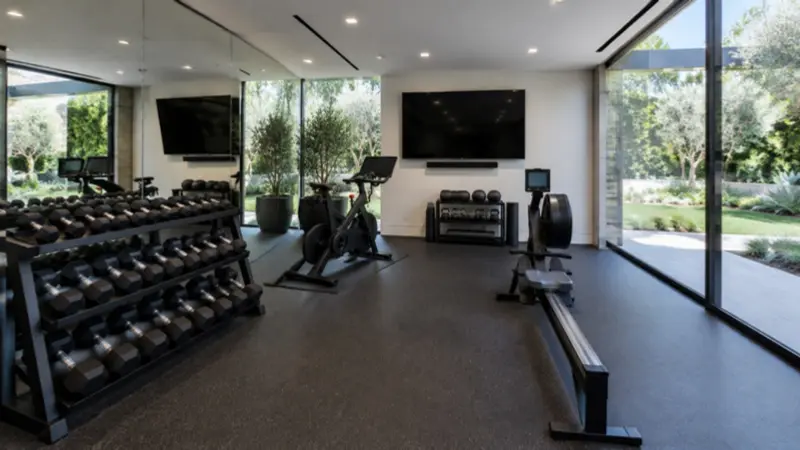
Home gym
Strength, a class on screen, and cool-down, ready when you walk in.
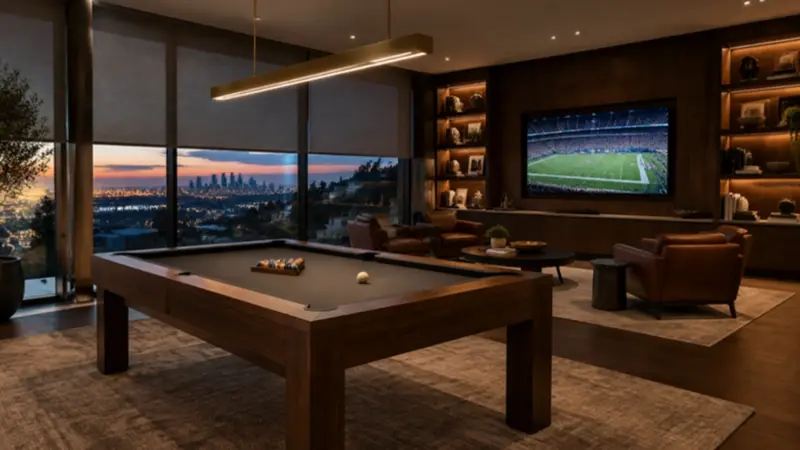
Game room
Pool night, video games, and the big game, one button each.
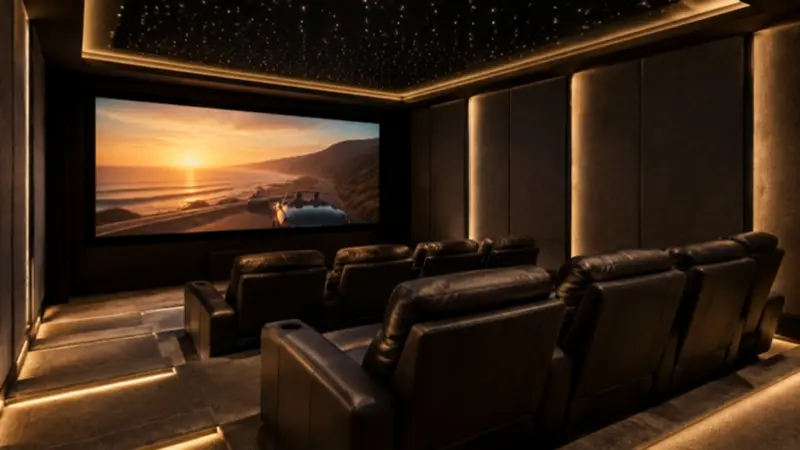
Home theater
A dedicated room built for movies.
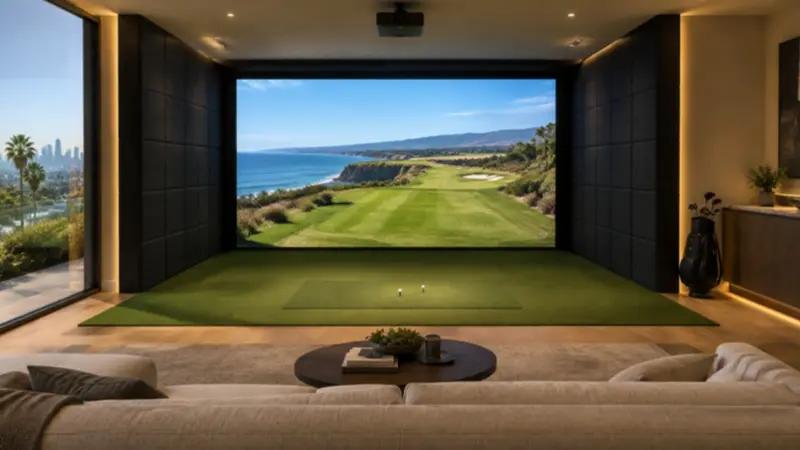
Golf simulator
A full swing, indoors, all year.
Let's plan your media room
Tell us about the room, or send the plans. We'll tell you what it needs and when it needs to happen.
Building in Los Angeles? Here's who to call and how to choose an integrator.