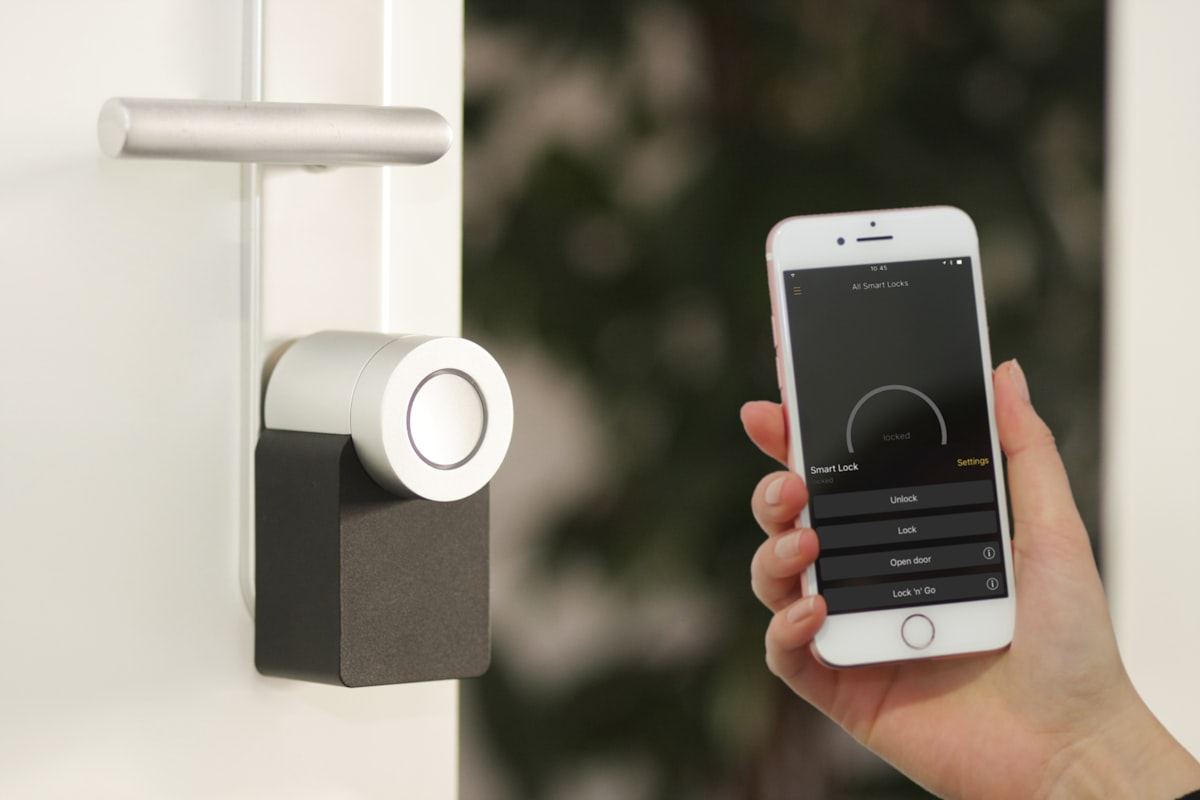
If the network fails, everything fails. The Control4 system, the streaming, the security cameras, the voice control, the video distribution, the smart locks. Everything. This makes the network the most critical infrastructure in a modern home, and it's also the thing that gets the least attention during construction and renovation.
We see the same pattern constantly: beautiful home, $3M in design and finishes, $200 consumer router from Costco handling the entire network.
What Enterprise-Grade Actually Means
There's a spectrum between consumer and enterprise networking equipment. Consumer gear (Linksys, most consumer Netgear, the routers ISPs hand you for free) is designed for simplicity and low cost. Enterprise gear is designed for reliability, density, security, and management capability.
In the middle is what we call "prosumer" or SMB-grade — brands like Ruckus, Ubiquiti, Cisco Meraki — that bring enterprise reliability without enterprise IT department requirements. This is what belongs in luxury homes.
Ruckus and Ubiquiti
We use both, depending on the project. Ruckus is our premium choice — the access point technology uses adaptive antenna patterns that are genuinely superior for dense RF environments and spaces with interference. For large homes, estates with thick walls, or properties where wifi performance is paramount, Ruckus is worth the premium.
Ubiquiti's UniFi line is our standard recommendation — excellent performance, clean management interface, strong reliability track record, and a price point that makes it easy to spec the right coverage rather than compromise. We use UniFi on the majority of our residential installs.
Wired First
Wifi is a convenience layer over a wired infrastructure. The core principle of a well-designed home network is that everything that can be wired is wired — TVs, streaming devices, gaming systems, Control4 controllers, cameras, NAS drives, printers. Wifi is for phones, tablets, laptops, and anything that can't reasonably be wired.
This requires Cat6a runs to every device location during rough-in. It's the cheapest part of a home build relative to its importance. If you're in new construction or an open-walls remodel and haven't run ethernet everywhere, you're building a limitation into the house that will frustrate you for as long as you own it.
The Equipment Room Network Rack
The network infrastructure lives in the equipment room — patch panel, switches, router, and the ISP handoff point. Everything is labeled, documented, and accessible. We use managed switches on all our installs; the ability to see what's connected to which port, set VLANs for security cameras and IoT devices, and remotely diagnose issues is worth the incremental cost.
Guest and IoT Networks
Every home we build has at least three network segments: the primary network for trusted devices, a guest network for visitors, and an IoT network for smart home devices that don't need access to your personal data. Keeping the Nest thermostat and the robot vacuum on a separate VLAN from your computer and NAS is basic security hygiene that consumer routers can't do well.
Remote Access
All our networking installs include remote management capability. When something isn't working, we can see the network, bounce a switch port, diagnose a device, or identify a problem without sending a technician. For clients who have time-sensitive needs — a dinner party where the system needs to work, a vacation where something stops functioning — this capability pays for itself in the first incident.